
01Create
Create
Photos, videos and avatars from a prompt or a photo. Pick the model scene by scene, the credit cost is shown upfront.
Photos, videos and avatars with the best AI models. Then an audience of 200 agents built on your niche tells you what works and what to cut.








Three tools in one app, on the same credits. Generate, test on an audience, publish only what won them over.
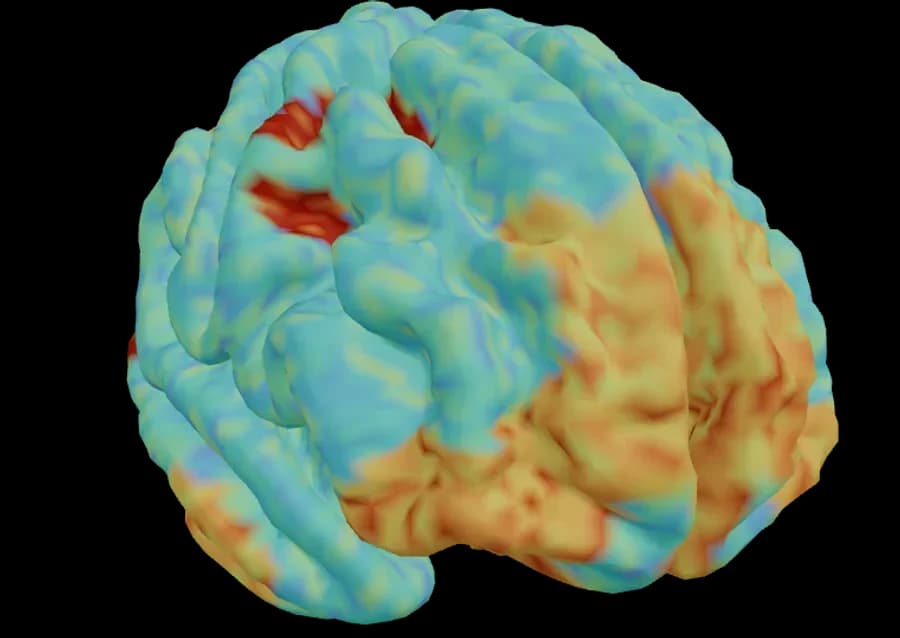
Two hundred AI agents with your niche's profile watch the creative. Seven signals tied to the brain areas that light up, plus the words of the people watching.
Visual attention
82/100
High in the first 3 seconds
Positive valence
71/100
Favorable emotion
Memorability
58/100
Drops after the sixth second
Reward
64/100
Desire to get the product
Cognitive load
34/100
Message easy to understand
Drop-off point
0:09
Half the audience scrolls away here
Every signal is tied to a brain area. The score tells you how much, the map tells you where and why.
From the report · what the audience says
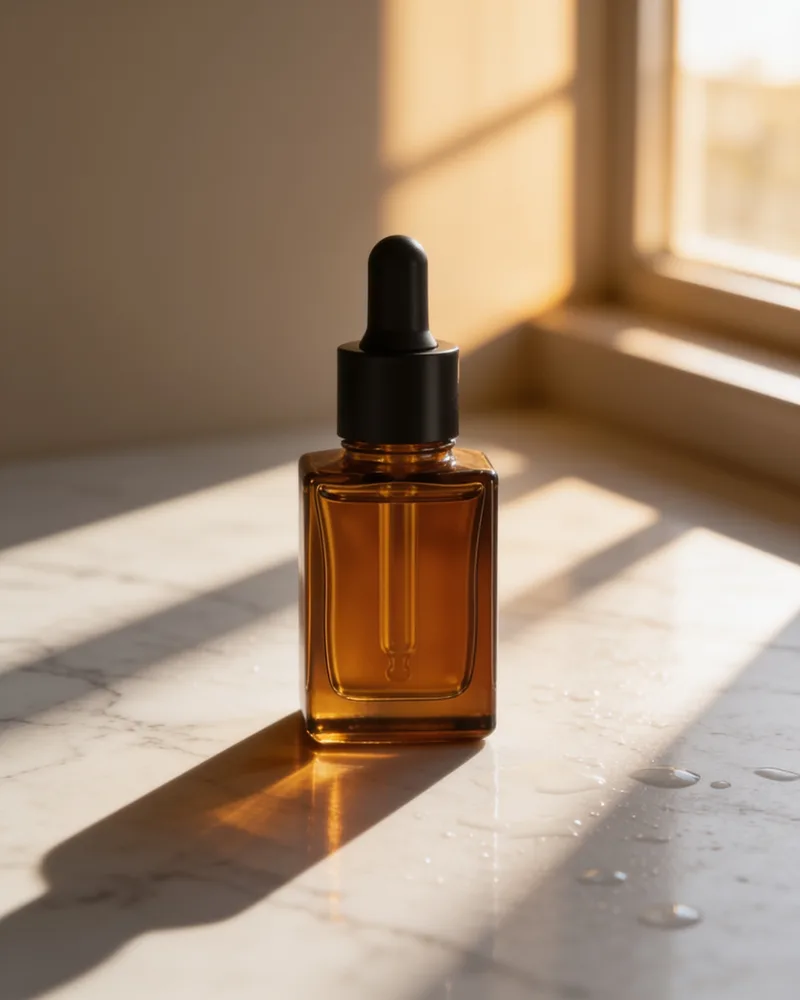
The node editor chains the models together. A product photo and a prompt go in, the variants come out already sized for each channel.
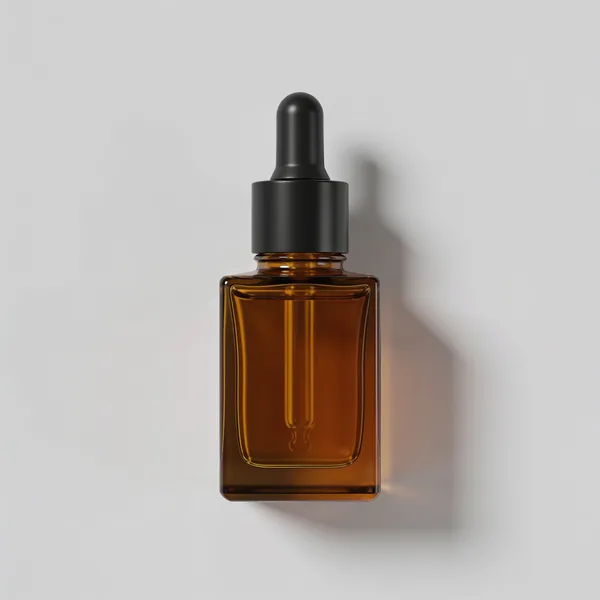
Premium advertising photo of the bottle: resting on veined white marble, warm late-afternoon light slanting in from a window, long soft shadows, a few drops of water on the marble, blurred beige background, shallow depth of field, editorial skincare style.
Rewrites the prompt in your Brand DNA voice and style, before generating.
 Nano Banana
 Nano Banana
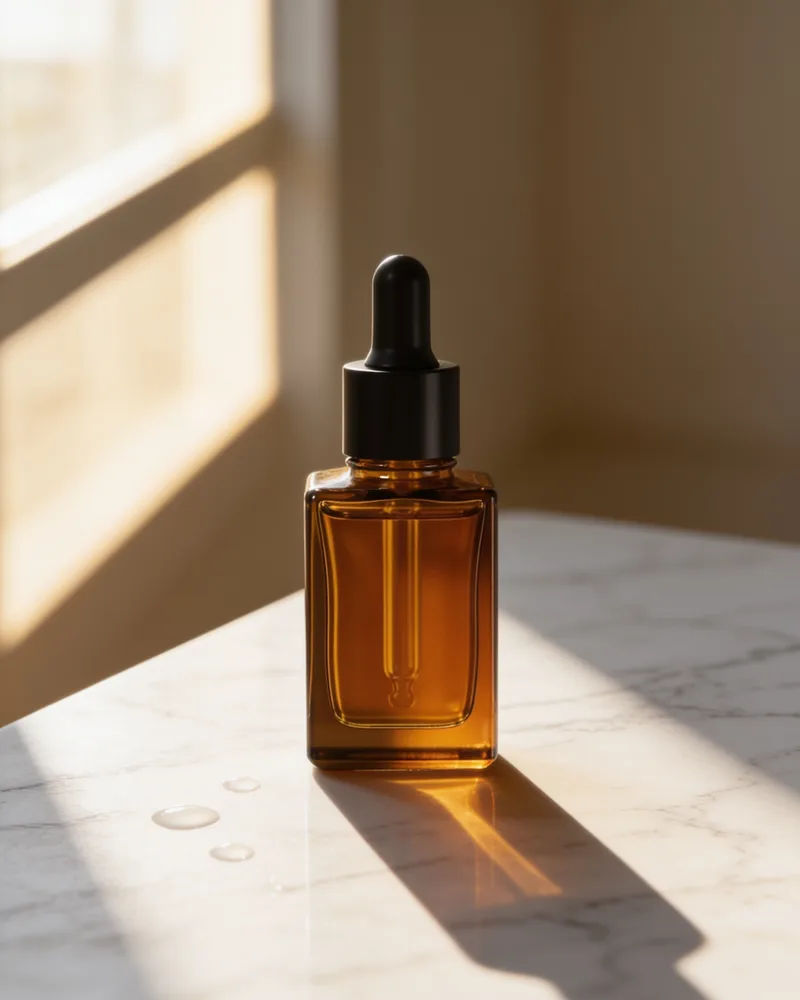
Inputs, models, outputs: connect them and the flow runs. Templates cover the usual cases, from packshot to reel.
Describe what you want in your own words. The chat writes the steps and builds the graph for you, you fine-tune it.
Variants land ready on Shopify and Google Drive, or go to Society for testing before you publish.
The DNA describes how the brand speaks, how it looks and who it sells to. Every generation and every test starts here.
Paste the brand's URL. The DNA reads pages, products and images and works out voice, style, messages and audience.
With Instagram and Meta Ads connected, the DNA brings in real numbers: engagement, CTR, what has worked so far.
Create, Workflow and Society all start from the DNA: on-brand prompts, a test audience built on yours, not a generic one.
From brief to publishing without leaving the app. Every step uses the same credits and the same brand DNA.
Three hundred credits a month, no card needed. The same model costs the same credits on every plan: what changes is the credits, the avatars and the questions to the audience.
€0forever
Base
Start€29/month
Pro · Taxes included
Choose€49/month
Creator · Taxes included
ChooseCustom
Enterprise
Contact usA photo costs 4 to 35 credits, a video 38 and up depending on model and length. Estimates use Nano Banana for photos and 6-second Veo 3.1 for videos. Prices are final, taxes included: nothing is added at checkout. Payments via Stripe, cancel anytime.
It depends on the model. A photo costs 4 to 35 credits, a video 38 and up depending on length and model. The cost is always shown before you confirm, and the same model costs the same on every plan.
Yes. Three hundred credits a month, one Society and three simulations, no card needed. On Base you generate with Google models; Pro and Creator unlock all the others.
It's an estimate built on 200 AI agents with different profiles, calibrated on your niche. The report tells you what it measures, where each number comes from and how much to trust it. It helps you choose between variants before launch, it doesn't guarantee a result.
Yes. What you generate is yours and you can use it commercially too, royalty-free.
Yes, from settings. Cancellation takes effect at the end of the period: you keep access and the credits you already paid for until it expires.
We use it only to provide the service and we don't sell it. Your content stays private in your account and you can request deletion at any time. Details in the privacy policy.
More questions? info@ai-sistem.com

Metodo · Jul 4, 2026 · 6 min di lettura
I saldi estivi 2026 partono il 4 luglio e valgono 3,3 miliardi. La differenza la fanno i contenuti pronti prima del via: ecco il piano settimana per settimana, con l’AI.

Guide · Jun 29, 2026 · 7 min di lettura
ASOS, SHEIN e Zara vestono i capi su modelle virtuali AI. Come fare le foto del tuo catalogo moda senza servizio fotografico, a una frazione del costo, con Sistem.

Metodo · Jun 28, 2026 · 7 min di lettura
Un contenuto unico non colpisce tutti. Con l’AI crei versioni su misura per ogni pubblico e testi quale funziona, prima di spendere in ads. La guida pratica con Sistem.